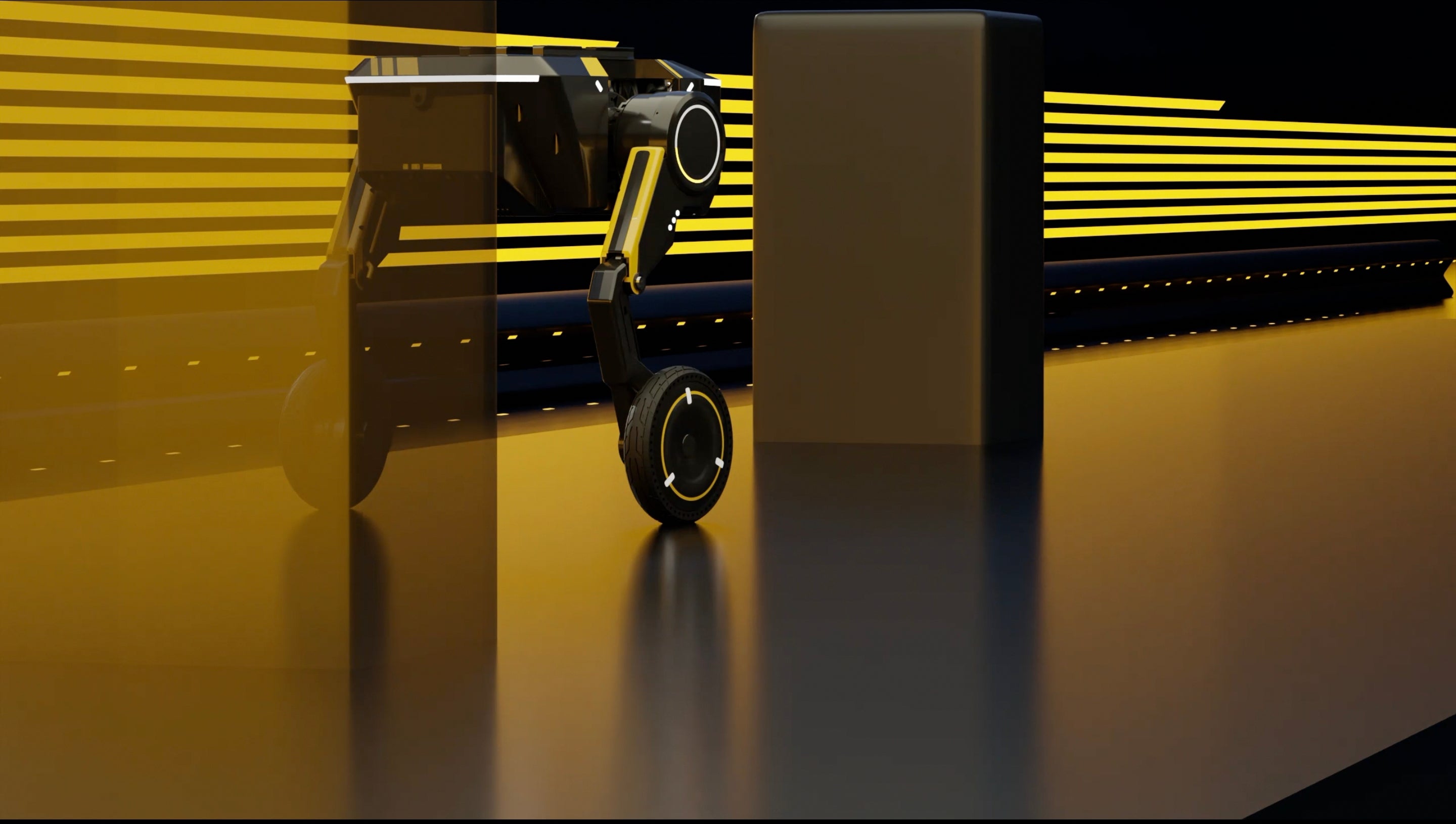
Starting secondary development with the Diablo SDK begins with installing the SDK package, preparing the development environment, and confirming communication with the robot controller. Most industrial robotics projects include custom software for equipment integration, data collection, or motion automation, and many production cells connect robots with cameras, PLCs, or databases. Developers who read the SDK reference, understand the communication flow, and verify every interface before deployment usually reduce debugging time and improve software stability. Using the open robot SDK documentation together with sample projects helps shorten the learning process while reducing repeated testing.
Secondary development is used when a robot needs functions that are not included in the standard operating interface. A warehouse robot may exchange data with a barcode scanner, while a laboratory robot may receive commands from image analysis software. According to the International Federation of Robotics, industrial robot installations have continued to grow in recent years, making software customization part of many automation projects. This is why developers usually begin by understanding how the SDK communicates with the robot controller before writing application logic.
Rather than modifying controller firmware, developers build an external application that sends commands and receives feedback through supported APIs. This separation keeps the controller software unchanged while allowing the application to evolve over time. In many manufacturing environments, software updates occur several times each year, while controller firmware may remain unchanged for much longer. That difference makes layered software architecture easier to maintain across multiple robot systems.
A typical workflow starts with connecting to the controller, checking communication status, reading robot information, and only then sending motion commands. Many integration guides recommend verifying every communication step before enabling automatic movement.
Before creating a project, prepare every required component.
| Item | Purpose |
|---|---|
| SDK package | API libraries and tools |
| Development IDE | Application development |
| Robot controller | Command execution |
| Ethernet or USB | Communication |
| Sample projects | Learning reference |
| User manual | Interface explanation |
Most SDK packages include header files, dynamic libraries, example applications, configuration files, and troubleshooting notes. Developers who compare the SDK version with the robot firmware before installation usually avoid compatibility issues that appear after deployment.
The first application is normally limited to connection testing. After communication succeeds, the software reads robot status such as joint position, controller mode, error information, and connection health. Many systems refresh status between 50 Hz and 250 Hz, depending on controller performance and network configuration. Stable communication at this stage makes later functions easier to verify.
Once communication has been confirmed, motion programming becomes the next task. Common SDK interfaces include joint movement, linear movement, Cartesian positioning, speed adjustment, acceleration settings, and motion interruption. A pick-and-place process may contain six to ten individual commands, but every command should receive confirmation before the next instruction is transmitted. This sequence helps reduce communication errors during continuous operation.
As movement control becomes reliable, developers usually connect external equipment to the same application.
-
Industrial cameras
-
Laser distance sensors
-
Force sensors
-
Barcode readers
-
Conveyor controllers
-
PLC systems
-
Database servers
-
MES software
Each device exchanges information with the application instead of communicating directly with the robot. This structure makes maintenance easier because each module can be updated independently.
Machine vision is one of the most common examples. A camera detects an object's position, image processing software calculates coordinates, and the application converts those coordinates into robot motion commands. This workflow appears in packaging, inspection, assembly, and palletizing systems.
Communication protocols are another part of secondary development. Many SDKs support TCP/IP, UDP, Serial, Ethernet, Modbus, or manufacturer-specific interfaces. Different factories choose different communication methods according to network layout, controller capability, and equipment compatibility. Some production lines exchange thousands of communication packets every minute, so developers often monitor latency and packet loss throughout long-duration testing.
Error handling should be included from the beginning instead of being added after development finishes. Communication interruptions, emergency stops, invalid coordinates, disconnected sensors, and power recovery events should all return readable status information. Logging every event with timestamps allows engineers to review failures after production. Many maintenance teams keep log files for 30 to 90 days before archiving them for future reference.
As projects become larger, software is usually separated into communication, motion, configuration, logging, sensor management, and user interface modules. Version control systems such as Git allow multiple engineers to work on the same project while keeping a complete development history. Code reviews and automated builds also reduce software inconsistencies before release.
Developers should also test applications under realistic production conditions rather than relying only on simulation. Continuous operation for 24 to 72 hours is common during factory acceptance testing because communication delays, memory usage, and hardware interaction become easier to observe during extended operation. Running repeated motion cycles also confirms that position accuracy remains consistent over time.
Many developers begin by reviewing the open robot SDK documentation, studying sample applications, and modifying one function at a time instead of rewriting the entire project. Small validation steps make communication problems easier to locate and simplify future software updates. With stable interfaces, organized project structure, regular testing, and documented APIs, secondary development with the Diablo SDK can support robot integration across manufacturing, research, inspection, logistics, and educational environments while remaining easier to expand as project requirements change.